







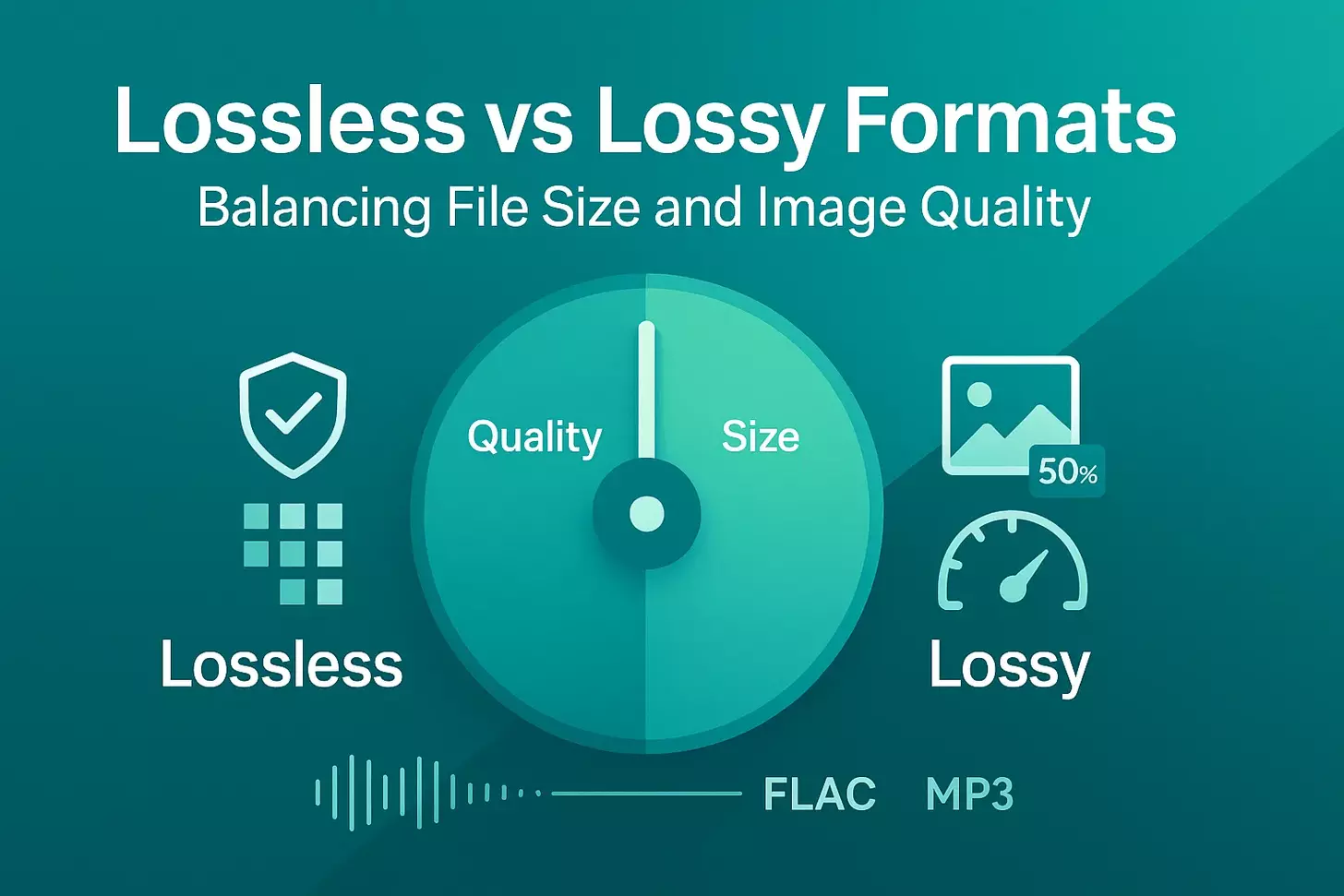
Did you know 53% of mobile users abandon websites that take longer than 3 seconds to load? Behind every fast-loading page lies a critical choice: preserving pristine details or shrinking files for speed. This balancing act impacts everything from user engagement to search rankings.
Compression isn’t just about saving space—it shapes how audiences experience your content. A high-resolution JPEG might dazzle on a photography portfolio, while a streamlined WebP file keeps e-commerce sites snappy. Similarly, audio files face their own tradeoffs: lossy MP3s sacrifice some depth for portability, while FLAC preserves studio-quality sound at 10x the size.
We’ll show you how to navigate these decisions like a pro. Whether you’re optimizing product images or curating podcast episodes, understanding compression unlocks better performance without compromising your vision. Let’s explore how strategic format choices can elevate your digital presence while keeping visitors glued to your content.
Key Takeaways
- Faster load times directly reduce bounce rates and improve search rankings
- Image quality impacts brand perception and user trust
- Different media types require tailored compression approaches
- Modern formats like WebP offer superior size-to-quality ratios
- Core Web Vitals now prioritize loading performance in SEO
- Audio compression affects both file size and listening experience
Understanding Digital Compression Fundamentals
Every day, 2.5 quintillion bytes of data flood our digital world. To manage this deluge, compression acts like an intelligent filing system—either tossing unnecessary items (lossy) or neatly packing essentials (lossless). Let’s unpack how these methods shape your media’s performance and quality.
Defining Lossy and Lossless Techniques
Lossy compression works like a sculptor removing marble chips—permanently deleting “inaudible” or “invisible” data. MP3s use this approach, stripping high-frequency sounds most ears miss. JPEGs discard color details that our eyes barely register. The result? Files shrink by up to 90%.
Lossless compression methods reorganize data without casualties. Think ZIP files or PNG images—they preserve every pixel or note. As audio engineer Sylvia Massy explains: ‘Lossless is like folding a shirt instead of cutting off sleeves.’ Formats like FLAC utilize algorithms (such as DEFLATE) to achieve 50% size reductions while maintaining quality integrity.
Key Terminology: Bit Depth, Sample Rate, and Resolution
Three terms govern digital quality:
| Term | Definition | CD Standard |
|---|---|---|
| Bit Depth | Detail per sample (dynamic range) | 16-bit |
| Sample Rate | Samples captured per second | 44.1 kHz |
| Resolution | Pixel density (images) or bitrate (audio) | 72 PPI / 320 kbps |
Codecs (encoder/decoder software) apply these settings during the compression process. PCM—the raw digital format for WAV/AIFF files—uses high bit-depth and sample rates to capture studio-grade audio. Lower values save space but risk “steppy” sound waves or pixelated images.
Understanding these terms helps you choose: Do you need CD-quality audio for music production, or will a 128 kbps MP3 suffice for podcasts? The difference lies in what your audience hears—and how quickly they can access it.
Why File Size and Quality Matter for Digital Media
Modern users expect instant access to content. A one-second delay in page load time increases bounce rates by 32%. This urgency makes intelligent compression essential for keeping audiences engaged while maintaining professional standards.
Impact on User Experience and Website Performance
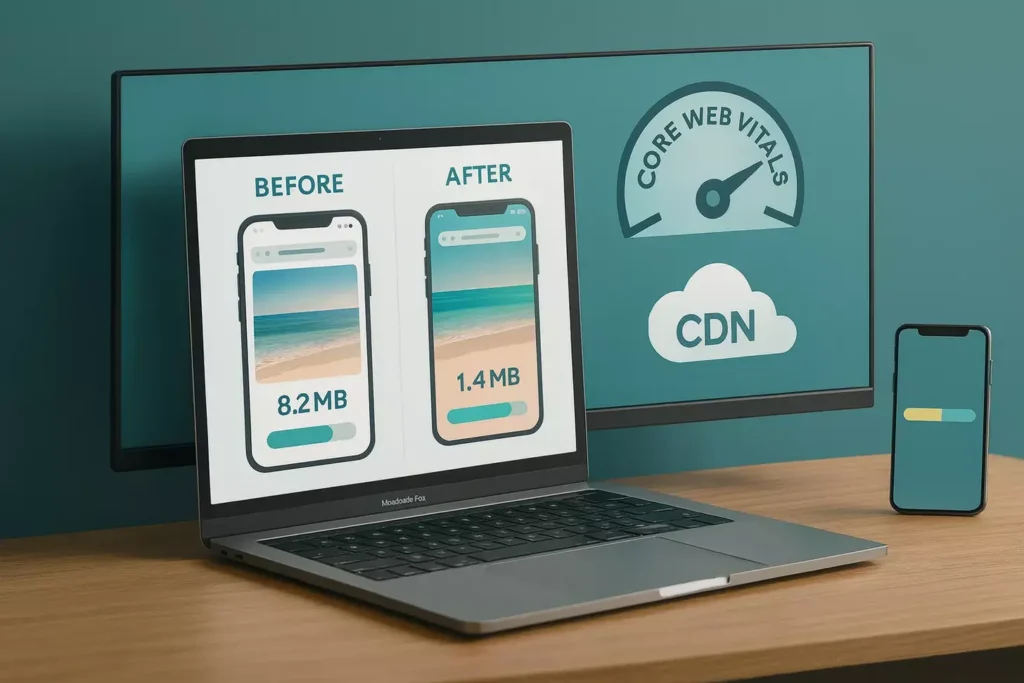
Google’s Core Web Vitals now measure page speed as a ranking factor. Compressed images meeting 72 PPI resolution and 2048px maximum width load 2.4x faster than unoptimized files. This directly improves user retention and conversion rates.
Bandwidth efficiency matters globally. Shrinking files by 60-80% lets users in rural areas access content without buffering. One e-commerce site reduced product image sizes by 55% and saw mobile conversions jump 18%.
Balancing quality and performance requires a strategy:
- Use 8-bit color depth for web graphics
- Set JPEG compression to 60-75% for photos
- Enable lazy loading for below-the-fold content
As web developer Sarah Johnson notes: “Proper optimization turns media from bottlenecks into performance assets.” Test different formats and tools to find your sweet spot between visual impact and lightning-fast delivery.
Lossless vs Lossy Formats: When Size vs Quality Matters
Professional photographers know their RAW files demand pristine quality, while social media managers prioritize lightning-fast uploads. This contrast highlights how compression strategies influence outcomes across various industries. Let’s explore practical applications where technical decisions impact real-world results.
Real-World Use Cases in Audio and Image Compression
Lossless formats are essential when preserving original data is crucial. Museums archive digital art as TIFF files, while music producers master tracks in FLAC to maintain studio-quality sound. As photographer Elena Rodriguez explains: “Clients expect every detail in print-ready files – PNG saves keep color gradients flawless.”
Conversely, lossy methods dominate web environments. E-commerce sites convert product photos to WebP, achieving 30% smaller files than JPEG without visible quality loss. Podcasters use AAC compression to deliver episodes that stream instantly on mobile devices.
Comparative Advantages and Trade-offs
We help creators choose between approaches using three key factors:
- Audience expectations (art collectors vs casual scrollers)
- Delivery constraints (4K video vs smartphone screens)
- Long-term needs (archival vs disposable content)
Graphic designers working on logos retain vector files in lossless formats, while optimizing web versions as compressed SVGs. The difference lies in intended use – a balance between perfection and practicality that varies across projects.
Technical Insights Into Lossy Compression
Digital creators often face a paradox: stunning visuals demand large files, but slow-loading media drives audiences away. This is where lossy compression becomes a secret weapon, utilizing smart math to compress content while maintaining its visual sharpness.
How Data Elimination Works in Lossy Algorithms
Advanced techniques, such as fractal analysis and wavelet transforms, act as digital editors. They scan images for repetitive patterns and subtle details humans rarely notice—like nearly identical shades in a sunset gradient. Transform encryption then converts these findings into mathematical equations, effectively reducing file size by storing complex visuals as compact formulas.
Photographer Mark Thompson explains: “Proper lossy compression feels like magic—my product shots load instantly, but clients still see every stitch in leather goods.” Modern algorithms achieve this by focusing on:
- Color redundancies in large solid areas
- High-frequency details are invisible at normal viewing distances
- Background elements that don’t impact the main subjects
Performance Gains from Reduced File Sizes
When an e-commerce site switched product images to optimized JPEGs, page load times dropped 1.8 seconds. This change boosted conversions by 14%—proof that intelligent compression directly impacts revenue. Smaller files also:
- Cut hosting costs by needing less storage space
- Improve mobile user experiences with faster downloads
- Enable smoother video streaming at lower bitrates
The key lies in striking a balance between aggressive file reduction and quality checks. Tools like Squoosh enable designers to preview compression levels side by side, ensuring visuals remain crisp while achieving up to 90% size savings. This approach keeps websites speedy without making images look processed or artificial.
Exploring the Benefits of Lossless Compression
Archivists and editors face a common challenge: maintaining perfect fidelity while managing digital assets. Lossless methods solve this by reorganizing data smartly rather than deleting it, thereby preserving every pixel and sound wave. This approach ensures professionals can edit files repeatedly without generational quality loss.
Preserving Quality with Reversible Techniques
The DEFLATE algorithm powers formats like PNG and FLAC by finding repeating patterns. Instead of discarding visual elements, it creates mathematical shortcuts for identical pixel sequences. Graphic designer Liam Carter notes: “I compress client logos losslessly 10+ times during projects – colors stay exact across versions.”
Metadata removal offers safe space savings. Camera settings and location tags often consume 15% of image files. Stripping this non-visual data shrinks documents while keeping subjects crisp. For audio, this means ditching unused track info without altering sound waves.
| Format | Compression Ratio | Best Use |
|---|---|---|
| PNG | 25-40% reduction | Logos, text graphics |
| TIFF | 10-30% reduction | Print-ready photos |
| FLAC | 50-70% reduction | Music mastering |
While lossless files remain larger than lossy counterparts, their reversibility justifies the storage tradeoff. Medical imaging and legal document scans demand 100% accuracy – even a single altered pixel could change meanings. Modern cloud solutions make storing these files more practical than ever.
Creative teams benefit most from this balance. Photographers export RAW files as lossless DNGs for editing, then create compressed JPEGs for client previews. This workflow maintains a quality master copy while delivering shareable versions quickly.
Choosing the Right Compression for Audio and Video Files
Streaming services now account for 80% of global music consumption, yet most listeners are unaware that their favorite songs undergo multiple format transformations. We’ll help you navigate this complex landscape to match technical capabilities with creative goals.
Audio Format Essentials for Modern Creators
Professional workflows demand specific file types. Podcast editors often use WAV for recording, then export as MP3 for distribution. Music producers might master tracks in FLAC for archiving, while streaming platforms convert them to AAC or OGG Vorbis.
Key considerations when selecting formats:
- Platform requirements: Spotify uses OGG (160 kbps), Apple Music prefers AAC
- Editing needs: WAV/AIFF retain full quality for post-production
- Storage limits: FLAC files are 50% smaller than WAV files with identical quality
“Choosing the right format is like picking tools from a toolbox – you need different solutions for recording, mixing, and sharing.”
| Format Type | Best For | File Size |
|---|---|---|
| FLAC/ALAC | Music archives | Medium |
| MP3/AAC | Podcasts | Small |
| WAV/AIFF | Studio editing | Large |
Mobile users benefit most from compressed media – AAC files stream smoothly on limited data plans. For video projects, match audio formats to visual quality: lossless tracks pair best with 4K footage, while social media clips work with standard MP3.
Always test compatibility. Most devices play MP3s by default, but ALAC files require Apple ecosystem integration. We recommend maintaining lossless masters while distributing compressed versions – this future-proofs your media library while meeting current platform needs.
Optimizing Digital Images: Techniques and Best Practices
Did you know 43% of shoppers abandon sites with blurry product photos? Sharp visuals drive engagement, but only when balanced with smart technical choices. Let’s break down the core elements that make images both stunning and efficient.
Resolution, Color, and Format Essentials
Start with resolution: 72 PPI remains the standard for the web. Set maximum dimensions to 2048px on the longest side. This keeps files manageable while maintaining clarity on most screens. For print projects, ramp up to 300 PPI.
Color spaces dictate how hues appear across devices. Use sRGB for web graphics—it’s supported by 98% of browsers. Adobe RGB excels in print workflows but causes inconsistencies online. Photographer Amy Chen advises: “Mismatched color profiles make logos look muddy on mobile—always convert to sRGB before exporting.”
| Color Space | Use Case | Bit Depth |
|---|---|---|
| sRGB | Web graphics | 8-bit |
| Adobe RGB | Professional printing | 16-bit |
| ProPhoto RGB | High-end photography | 16-bit |
Format selection depends on content type. JPEG works for photos with gradients, while PNG preserves transparency in logos. Modern WebP files offer 30% better compression than JPEG—adopt them where supported.
An e-commerce site reduced product image file size by 45% using these steps:
- Resized to 2048px width
- Converted to 8-bit sRGB
- Applied 70% JPEG compression
Test different settings using tools like ImageOptim or Squoosh. Small tweaks can slash space requirements without sacrificing quality. Remember: optimized images load faster, rank better, and keep visitors engaged.
Leveraging Tools and Software for Effective Compression
The right software transforms compression from a chore into a strategic advantage. Modern solutions automate quality decisions while preserving control over critical details. Let’s explore platforms that streamline workflows without compromising results.
Popular Compression Tools for Web and Media Files
ShortPixel stands out with three optimization modes: Lossy for maximum savings, Glossy for visual polish, and Lossless for archival needs. Its bulk processing handles hundreds of files while retaining EXIF data—perfect for photographers needing copyright details.
Imagify offers tiered compression levels. Normal mode balances speed and quality, while Ultra aggressively shrinks images using next-gen formats like WebP. Designers appreciate its side-by-side previews to compare original and optimized versions.
For teams needing granular control, Kraken.io provides API integration and custom presets. Its toolset supports AVIF conversion and retina-ready scaling. One e-commerce brand cut mobile image load times by 40% using Kraken’s smart cropping options.
We recommend testing multiple software solutions to find your ideal balance. Many platforms offer free tiers—experiment to see which tools deliver the best results for your specific media types and audience needs.
FAQ
Q: What’s the core difference between lossy and lossless compression?
A: Lossy compression permanently removes data to shrink files, while lossless methods retain all original information. Think of it as trimming fat versus folding clothes—one sacrifices material, the other reorganizes without loss.
Q: When should I prioritize lossy formats over lossless ones?
A: Choose lossy for web content, streaming, or devices with limited storage. Formats like JPEG or MP3 strike a balance between quality and efficiency, making them ideal for social media, blogs, or mobile apps where speed is a priority.
Q: How does compression impact website loading speeds?
A: Smaller files load faster, improving user experience and SEO rankings. Lossy formats reduce page weight significantly—a 5MB PNG becoming a 500KB JPEG can cut load times by half on slower connections.
Q: Which industries rely heavily on lossless formats?
A: Music production (FLAC/WAV), medical imaging (DICOM), and archival work (TIFF) demand lossless compression. These fields require pixel-perfect accuracy or audio fidelity that lossy methods can’t provide.
Q: What lossy formats work best for modern web images?
A: WebP and AVIF outperform JPEG in quality-to-size ratios, while HEIC excels for iOS devices. For compatibility, JPEG remains the safe default—85% quality often achieves an optimal balance.
Q: Can you recommend reliable compression tools for beginners?
A: Adobe Photoshop (for images), HandBrake (video), and Audacity (audio) offer intuitive controls. Cloud tools like TinyPNG or Squoosh provide instant results without software downloads.