











Last updated: April 29, 2026
Quick Answer
Startups need a PDF workflow that’s fast, private, and consistent across contracts, NDAs, and investor decks. The simplest reliable stack: a browser-based editor for redaction and signing, a compressor for email-friendly versions, a merger for board packs, and a clear naming and versioning rule everyone follows. Skip tools that require logins, watermark output, or upload sensitive files to unknown servers.
Key Takeaways
- Treat PDFs like product artifacts: every contract, NDA, and deck should have a known owner, version, and final approved file.
- Browser-based tools that run locally protect investor and legal documents better than cloud uploaders that store copies on third-party servers.
- A 3-tool minimum (edit, compress, merge) handles 90% of early-stage document tasks without subscriptions.
- Redact properly. Black highlights aren’t redaction — sensitive text underneath is still searchable.
- Compress investor decks under 10 MB before sending. Most email gateways reject larger attachments silently.
- Standardize file naming:
CompanyName_DocType_Counterparty_v3_2026-04-29.pdf. - AI contract review tools have matured in 2026, but human review of NDAs and term sheets remains non-negotiable.
- Graduate to formal CLM (contract lifecycle management) software only when volume passes ~20 active agreements per month.
Why PDF workflows matter for startups
Sloppy PDF handling leaks information, slows fundraising, and creates legal risk. Founders routinely email decks containing confidential financials, share NDAs through random online editors, and forget that “deleted” highlights still leave text intact in the file. None of this is hypothetical — VCs notice when a deck arrives at 47 MB or shows tracked changes from a previous investor.
Solid PDF workflows for startups, contracts, and NDAs decks aren’t about buying enterprise software. They’re about three things: privacy (where does the file actually go?), consistency (does every contract follow the same template and naming?), and speed (can you sign and send in under five minutes?). Get those right and document ops stops being a fire drill.
A quick story: an early-stage SaaS founder once sent a board update where she’d “redacted” salary figures with a black rectangle in Preview. A board member copied and pasted the text into a notes app, and the numbers reappeared instantly. Embarrassing, fixable — and entirely preventable with the right tool and a 30-second checklist.
Core PDF tasks for founders: contracts, NDAs, decks, and board packs
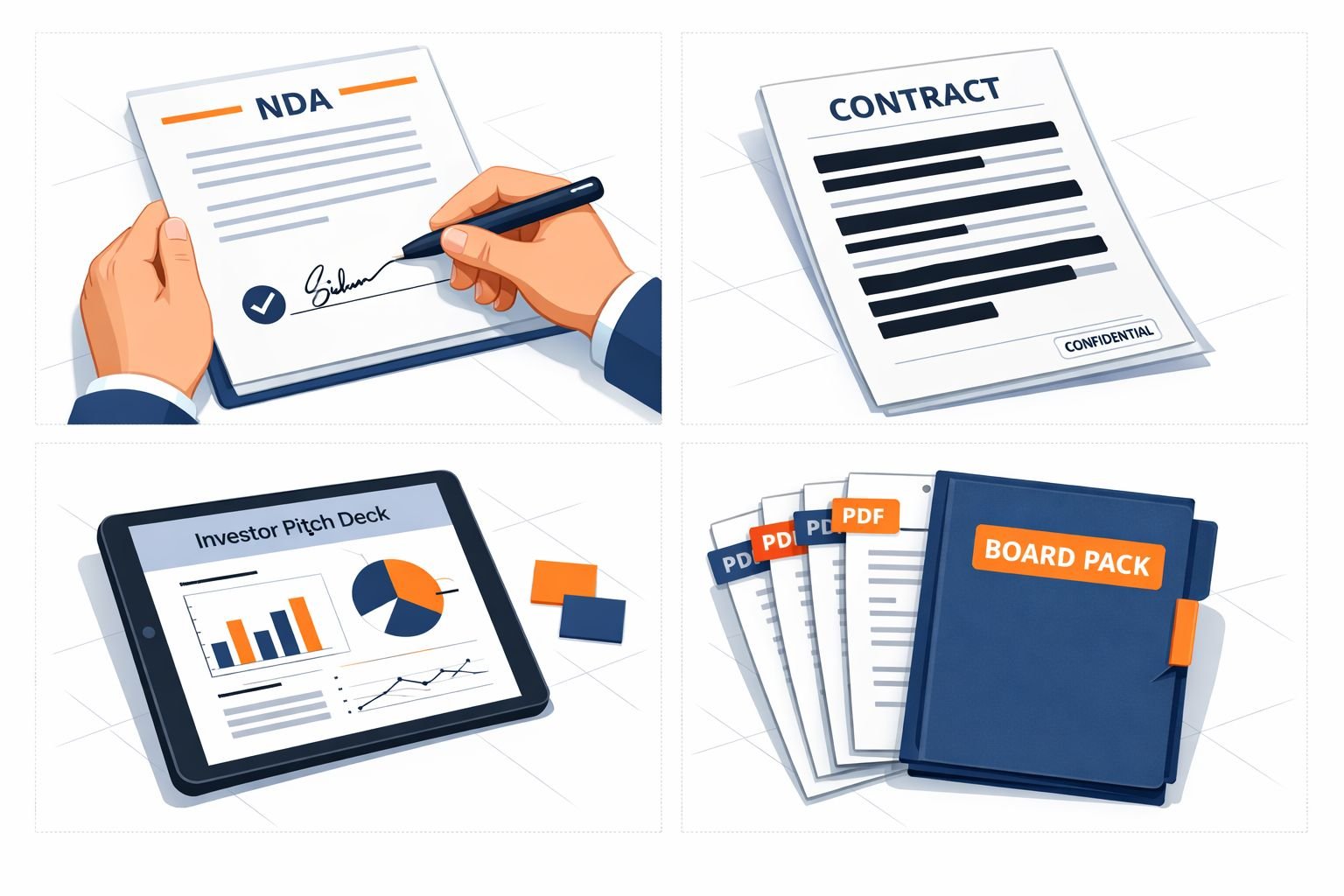
Most startup document work falls into five recurring tasks. Knowing which is which tells you exactly what tool to reach for.
1. NDA signing and exchange. Counterparty sends a PDF. You review, fill in your entity details, sign, return. Sometimes you send your own template instead. Speed matters; most NDAs should clear in under 24 hours.
2. Contract redlining and execution. MSAs, SOWs, employment agreements, advisor agreements. These usually start in Word, get redlined, then convert to PDF for signature. The PDF stage is mostly about clean export, signature placement, and final versioning.
3. Investor deck preparation and distribution. Export from Figma, Pitch, or Keynote. Compress for email. Sometimes split into a “send” version (no appendix) and a “meeting” version (full).
4. Board packs and investor updates. Multiple PDFs — financials, KPI report, narrative memo — merged into a single document with consistent page order. Often sent monthly or quarterly.
5. Redaction for due diligence. When sharing past contracts with investors or acquirers, you may need to redact counterparty pricing, employee names, or other PII. This is the highest-risk task because errors here are permanent and visible.
Each task has a different tolerance for friction. NDAs need to be fast. Board packs need to be polished. Redaction needs to be careful. One tool rarely fits all — but a small focused stack does.
What’s the best PDF tool stack for early-stage startups?
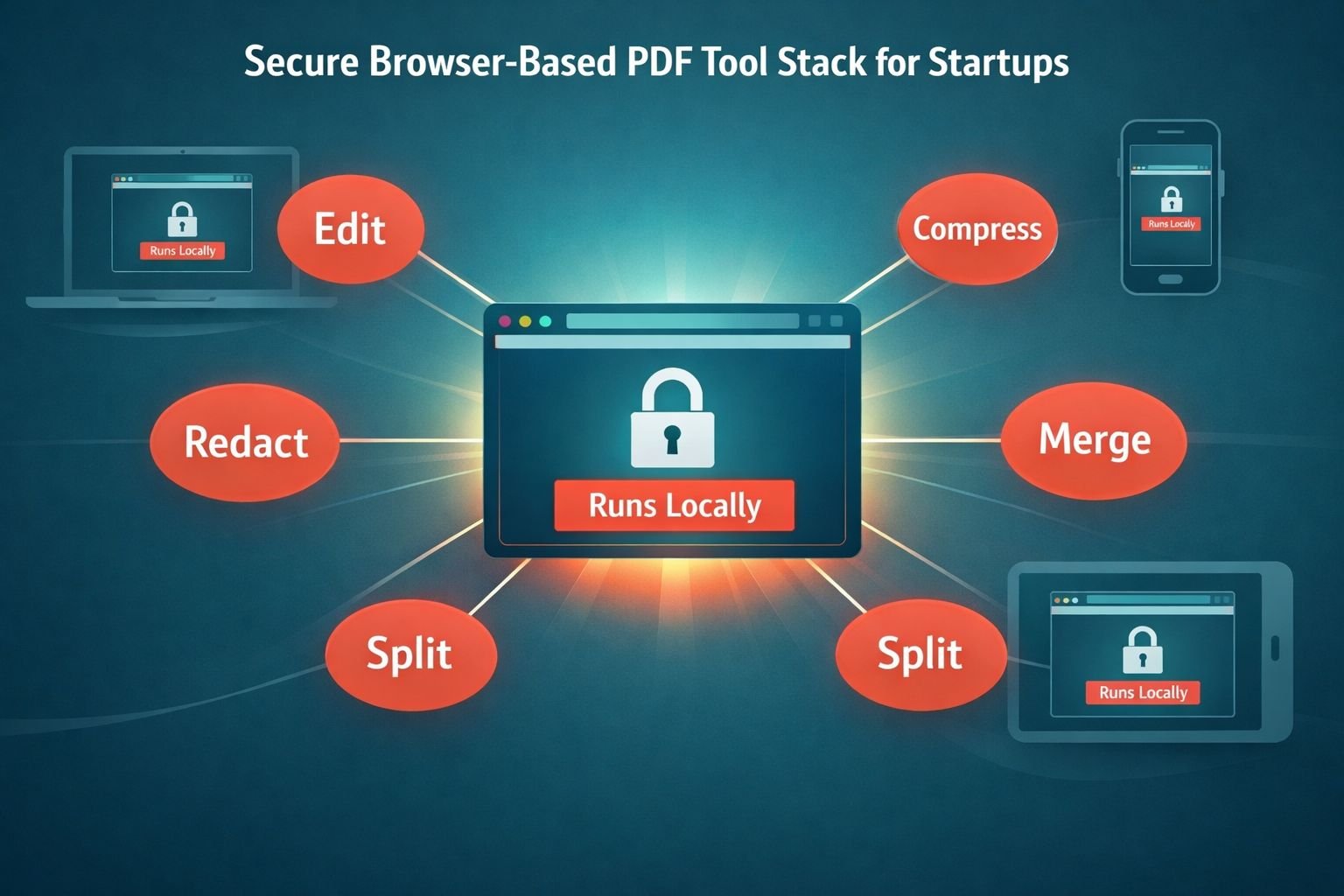
For teams under 10 people, a privacy-first, browser-based stack handles everything without subscriptions or installs. The principle: tools that run in your browser keep files on your device, so confidential documents don’t sit on someone else’s server.
A minimum viable stack:
| Task | Tool type | What to look for |
|---|---|---|
| Edit, fill, sign | Browser-based PDF editor | No watermark, no signup, supports text and signature fields |
| Compress for email | Local PDF compressor | Adjustable quality, no upload, target sizes (1MB / 5MB / 10MB) |
| Combine board packs | Merge tool | Drag-and-drop reorder, no page limit, clean output |
| Split or extract pages | Split tool | Page range selection, preserves bookmarks |
| Redact sensitive info | Editor with true redaction | Permanent removal, not just visual cover-up |
For the editing core, a free browser-based PDF editor without watermark or signup limits covers fill-in, signature placement, and basic text edits. For size, a private PDF compressor that runs in your browser keeps investor decks under email thresholds without sending the file to a third party. For board packs, a merge tool that combines PDFs locally handles the monthly assembly job in seconds.
Choose browser-based tools if: your documents contain investor data, employee info, customer details, or anything you wouldn’t paste into a public chat window. Files processed locally never leave your machine.
Choose installed software if: you’re handling 100+ documents per week or need advanced features like form-field automation and OCR at scale. Otherwise, browser tools are faster and cheaper.
Sample pdf workflows for startups contracts ndas decks: NDA signing to investor updates
Here are four concrete workflows you can adopt today. Each is designed for a two-person ops team or a solo founder.
NDA signing workflow (target time: 10 minutes)
- Receive the NDA PDF via email.
- Skim for: term length, mutual vs. one-way, jurisdiction, definition of confidential information. Flag anything unusual.
- Open the file in a browser PDF editor. Fill entity name, address, signatory.
- Add your signature image (saved once, reused).
- Save as
[YourCo]_NDA_[CounterpartyName]_signed_2026-04-29.pdf. - Send back. Save a copy in
Legal/NDAs/Signed/.
For repeat counterparties, keep your own NDA template ready as a fillable PDF. Counterparties usually accept it.
Contract execution workflow
- Negotiate in Word with tracked changes.
- Once final, export to PDF. Verify no comments or revision marks remain.
- Insert signature blocks; sign and route.
- Once fully executed, name the file:
[YourCo]_MSA_[Counterparty]_executed_2026-MM-DD.pdf. - Store in a single
Contracts/Executed/folder. Avoid scattering across email threads.
Investor deck distribution workflow
- Export from your design tool at full quality.
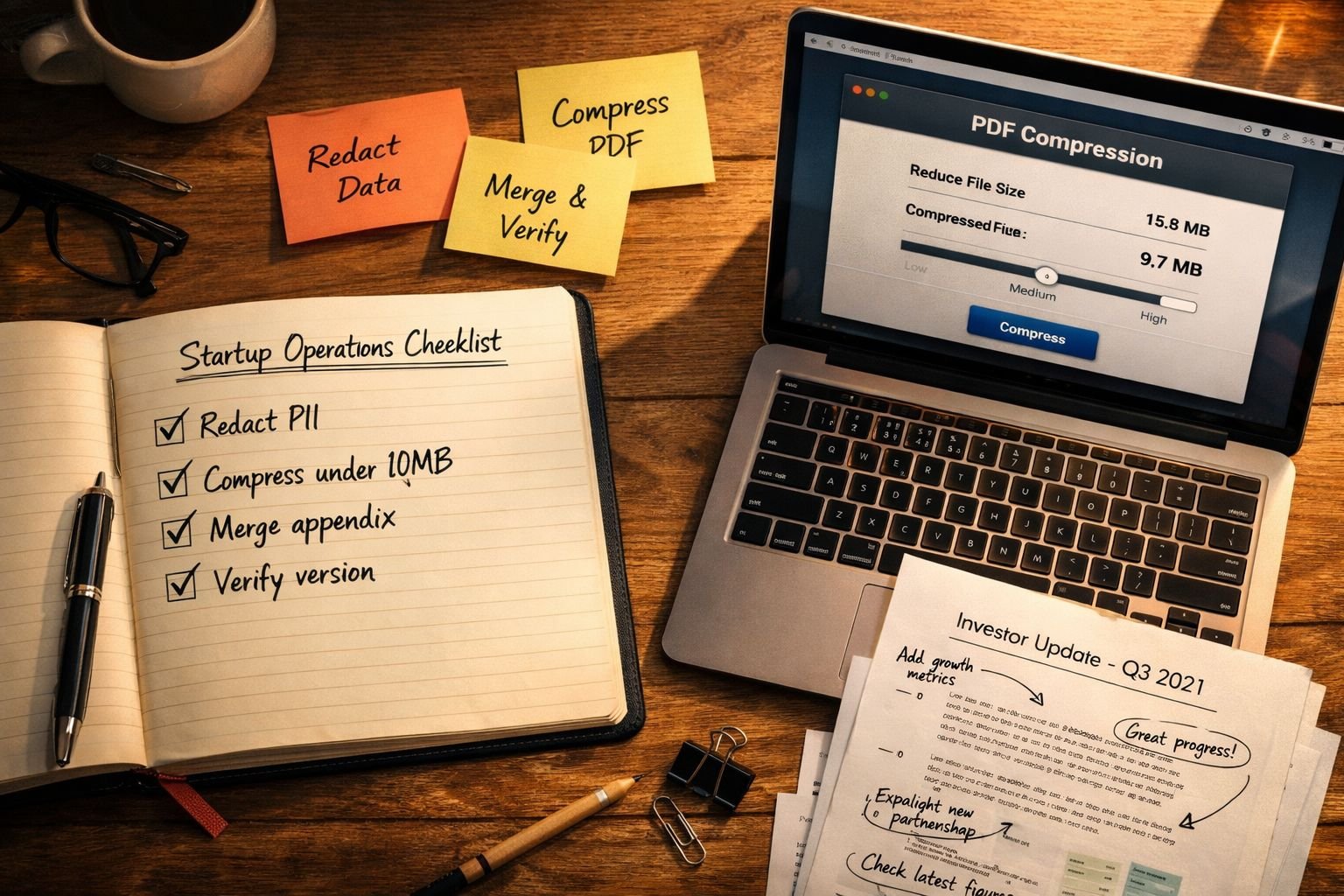
- Compress to under 10 MB. For most decks, “medium” compression cuts file size 60–80% with no visible quality loss.
- Test by opening on mobile — check that charts and small text render cleanly.
- Name versions clearly:
[YourCo]_Deck_SeriesA_2026-04-v3.pdf. Avoidfinal_final_v2.pdf. - Track who received which version (a simple spreadsheet works).
If you need to share specific slides only, split the PDF into separate pages and send only what’s relevant.
Monthly board pack workflow
- Gather components: financial statements (PDF from accounting), KPI dashboard (export to PDF), narrative memo (Word → PDF), product update (slides → PDF).
- Merge into one file, in a fixed order every month. Consistency matters more than perfection.
- Compress.
- Name:
[YourCo]_BoardPack_2026-04.pdf. - Send via your investor portal or encrypted email. Save a copy.
Founders signing on phones or reviewing on the go should know they can edit and sign PDFs from mobile devices without losing formatting.
Redaction, compression, and sharing best practices
Redaction failure is the most common — and most damaging — PDF mistake startups make during due diligence.
How to redact PDFs properly
A black box drawn over text is not redaction. The text underneath is still in the file’s data layer and trivially recoverable. True redaction permanently deletes the underlying content.
Steps for safe redaction:
- Use a tool with a dedicated redaction function (not just a black highlighter).
- Apply redaction to all instances of the term across the document.
- After redaction, flatten the PDF — this bakes changes into the page and removes the editable layer.
- Open the redacted file and try to copy text from a redacted area. If anything copies, it’s not safe to send.
- Also strip metadata: author name, edit history, and software fingerprint can leak more than you think.
Compression without quality loss
Most decks compress beautifully. The trick is matching settings to use case:
| Use case | Target size | Setting |
|---|---|---|
| Email attachment (general) | Under 10 MB | Medium compression |
| Investor cold outreach | Under 5 MB | Medium-high compression |
| Print-ready deck | No size cap | Low compression, preserve images |
| Mobile preview | Under 2 MB | High compression |
For more on settings and tradeoffs, see this guide to compressing PDFs without losing quality and a deeper look at compressing PDFs for email.
Sharing safely
- Avoid public file-share links with no expiry.
- For investor decks, use links that allow you to revoke access (DocSend, Google Drive with permissions).
- For signed contracts, send the executed PDF directly and store the master copy in one location.
- For sensitive redacted documents, double-check on a different machine before sending.
Common mistakes founders make with PDF document ops
- “Final” file names with no versioning. Use dates:
2026-04-29sorts and clarifies. - Trusting visual redaction. Always flatten and verify.
- Uploading legal docs to unknown free converters. Many store files for marketing or training data.
- Sending uncompressed decks. A 35 MB deck signals amateur ops to investors.
- No single source of truth. Contracts scattered across Gmail, Slack, and Drive folders cost hours during diligence.
- Skipping metadata cleanup. Author names, prior edit history, and template fingerprints often reveal more than intended.
When to graduate from ad-hoc tools to formal document systems
Stay with a lightweight browser-based stack until at least one of these is true:
- You’re managing more than ~20 active agreements per month.
- You have a dedicated legal or ops hire.
- Investors or acquirers are asking for a contract repository during diligence.
- You need automated reminders for renewals, expirations, or auto-renew clauses.
At that point, evaluate contract lifecycle management (CLM) platforms. AI contract review has matured in 2026 — tools now flag risky clauses and suggest pre-approved redlines, cutting turnaround times significantly on standardized agreements like NDAs and vendor contracts. Still, keep a human reviewer in the loop on anything material. AI accuracy on routine NDAs is impressive, but it can’t carry legal liability or judge strategic context.
The graduation isn’t all-or-nothing. Many scaling startups keep browser-based tools for quick edits, compression, and one-off tasks even after adopting a formal CLM, because nothing beats a no-signup browser tool for a 30-second job.
Ready-to-use checklists for startup PDF operations
NDA send/receive checklist
- Term length acceptable (typically 1–3 years)
- Mutual vs. one-way matches the relationship
- Jurisdiction is reasonable
- Definition of confidential info isn’t overbroad
- Signed, named correctly, stored in
Legal/NDAs/
Investor deck pre-send checklist
- Final version exported from source
- File size under 10 MB
- Opens cleanly on mobile
- Charts and small text legible after compression
- No tracked changes, comments, or speaker notes leaking through
- Filename includes company, doc type, round, version, date
- Metadata reviewed (author name, software)
Board pack assembly checklist
- Financials current and signed off
- KPI dashboard updated
- Narrative memo reviewed
- Components merged in standard order
- Final file compressed
- Sent via secure channel
- Master copy archived
Redaction quality check
- Used true redaction tool, not visual cover-up
- All instances of sensitive terms redacted
- PDF flattened after redaction
- Metadata stripped
- Verified by copy-paste test
- Reviewed on a second device before sending
FAQ
What’s the safest free PDF editor for startup legal documents? A browser-based editor that processes files locally — meaning the document never uploads to a server — is safest. Look for tools with no signup, no watermark, and a clear privacy policy stating files stay in your browser.
How do I compress an investor deck without ruining the images? Use medium compression first and check the result. Most decks shrink 60–80% with no visible quality loss. If charts or photos look soft, drop to low compression and accept a larger file. For email, target under 10 MB.
Is drawing a black box over text the same as redacting? No. The text underneath is still in the PDF and easily recoverable. Use a tool with a true redaction function, then flatten the file and verify by trying to copy text from the redacted area.
Should startups use AI tools to review NDAs? AI tools have become accurate enough in 2026 to flag standard issues in routine NDAs and speed up first-pass review. They don’t replace human judgment on novel terms, jurisdiction questions, or strategic context. Treat AI as a fast first reader, not a final approver.
What file naming convention works best for contracts?
[CompanyName]_[DocType]_[Counterparty]_[Status]_[Date].pdf — for example, Acme_MSA_Vendor_executed_2026-04-29.pdf. Sortable, searchable, unambiguous.
How do I merge multiple PDFs for a board pack? Use a browser-based merge tool, drag files in your preferred order, download the combined output. Keep the same component order every month so board members can navigate from memory.
When should a startup adopt formal contract lifecycle software? When you cross roughly 20 active agreements per month, hire dedicated legal or ops staff, or face a diligence process that demands a structured repository. Below that, a clean folder structure and a focused tool stack is usually faster.
Are browser-based PDF tools actually private? The good ones run entirely in your browser using JavaScript — files are processed locally and never uploaded. Check the tool’s privacy policy and look for explicit “no upload” language. If a tool requires you to wait for “server processing,” files are leaving your device.
Conclusion: build the workflow once, run it forever
PDF operations look unglamorous until something breaks: a leaked salary number, a 40 MB deck rejected by a VC’s inbox, a contract no one can find during diligence. Founders who set up a clean stack early — a privacy-first editor, a local compressor, a merge tool, and a naming convention — save days of work over the life of the company.
Start small. Pick three tools, write a one-page SOP, and use it for every NDA, contract, and deck this quarter. Refine as you scale.
Ready to handle your next NDA or investor update? Try the free, browser-based PDF editor at Core Tools Hub — no signup, no watermark, files stay on your device.